
 By admin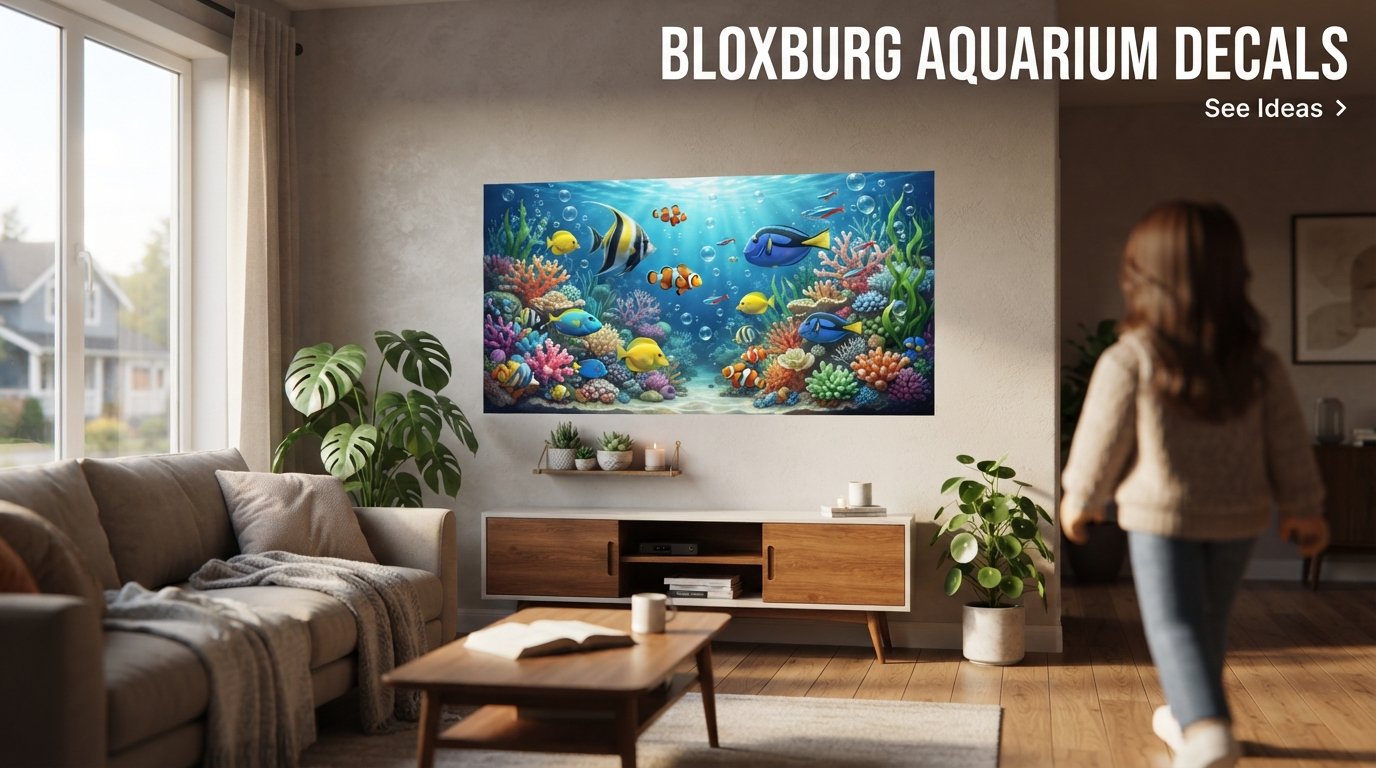
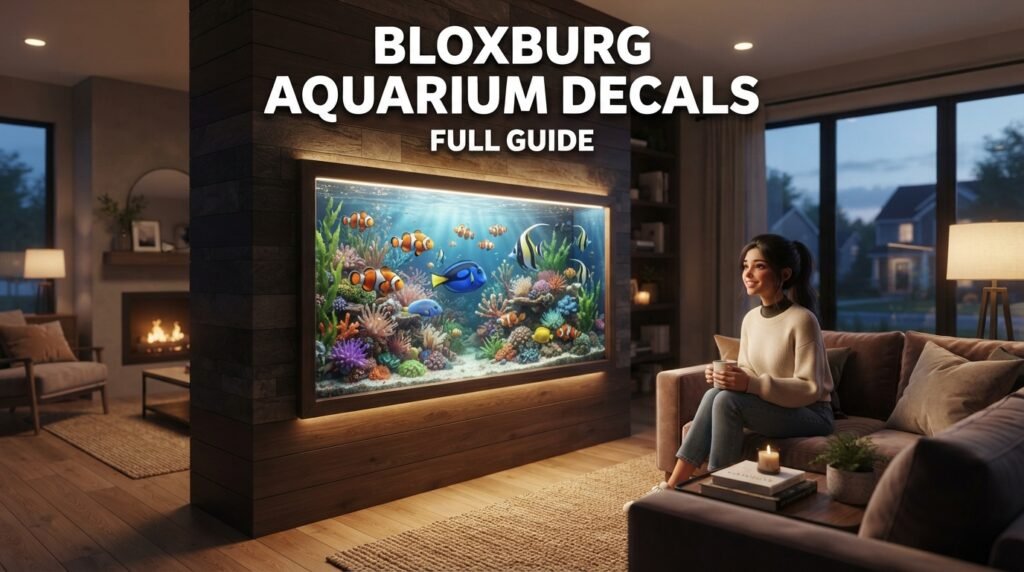
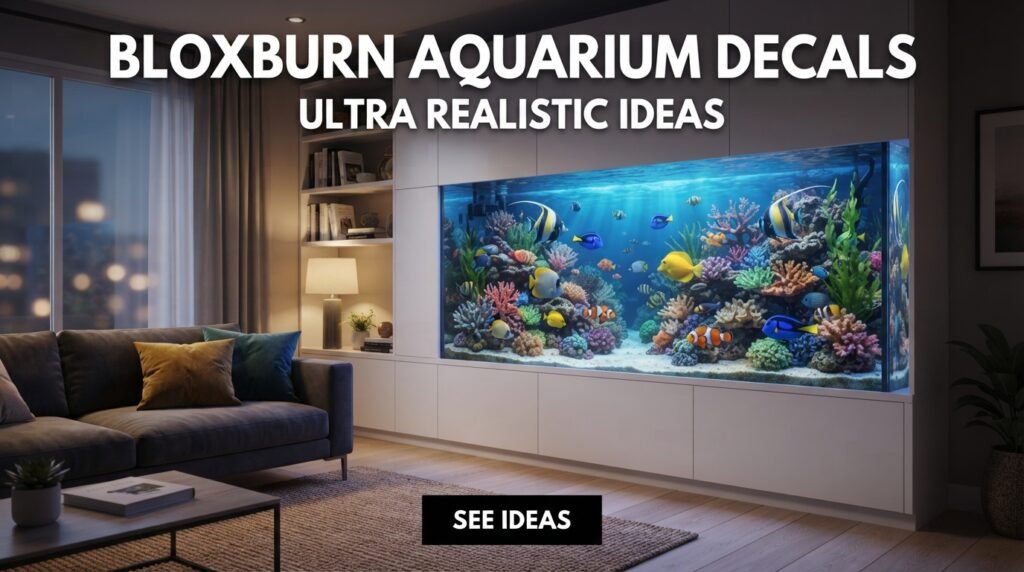
Bloxburg aquarium decals are one of the best tools for creating realistic fish tanks in Welcome to Bloxburg. By using fish decals, underwater backgrounds, coral images, bubbles, plants, and transparent textures, players can design beautiful aquariums that look far more detailed than standard decorations.
Many advanced Bloxburg builders use transparent decals, layered images, and custom texture IDs to create the illusion of floating fish, coral reefs, jellyfish tanks, and even massive wall aquariums. Community discussions also show that transparent PNG decals and double-sided decals are popular techniques for creating realistic aquarium effects.
What Are Bloxburg Aquarium Decals?
Bloxburg decals are custom images uploaded to Roblox and used inside Bloxburg to decorate walls, furniture, signs, windows, and custom builds. Aquarium decals allow players to create:
- Tropical fish
- Coral reefs
- Jellyfish
- Underwater plants
- Seaweed
- Bubbles
- Sharks
- Dolphins
- Ocean backgrounds
- Custom aquarium walls
Decals work like stickers that can be placed on different surfaces in your build.
Types of Aquarium Decals
1. Fish Decals
Fish decals are the most popular aquarium decorations.
Examples:
- Clownfish
- Angelfish
- Tetra fish
- Goldfish
- Koi fish
- Guppies
- Sharks
- Tropical fish
Transparent fish decals create the illusion that fish are swimming inside the tank.
2. Bubble Decals
Bubble decals make aquariums feel more realistic.
Small bubbles placed at different heights create movement and depth.
3. Coral Reef Decals
Coral images are perfect for:
- Saltwater aquariums
- Reef tanks
- Tropical ocean builds
Combine coral with fish decals for a complete underwater scene.
4. Seaweed and Plant Decals
Aquatic plant decals add realism.
Use:
- Seaweed
- Kelp
- Moss
- Underwater grass
- Aquarium plants
These decorations work especially well in freshwater tanks.
5. Jellyfish Decals
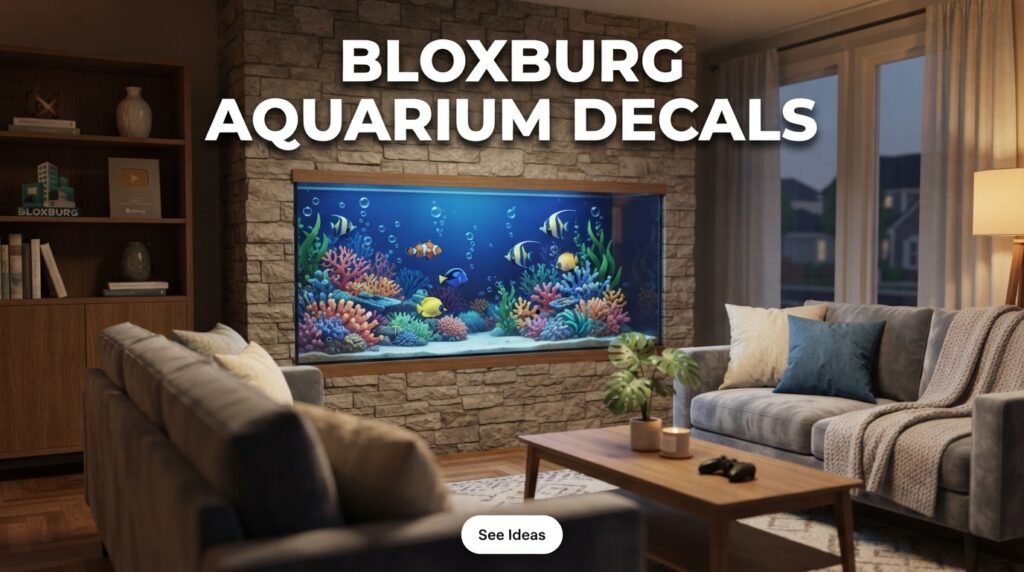
Jellyfish create a calming and modern aquarium appearance.
Blue lighting combined with jellyfish decals can create a beautiful effect.
6. Shark Decals
Large shark decals work well in:
- Giant aquariums
- Aquarium tunnels
- Public aquarium builds
Use a dark blue background for a dramatic look.
Transparent Aquarium Decals
Transparent decals are one of the most advanced aquarium-building techniques.
Players create PNG images with transparent backgrounds and upload them to Roblox. The result is a floating fish effect without visible white borders.
Transparent decals can be used for:
- Fish
- Dolphins
- Jellyfish
- Bubbles
- Plants
Double-sided decals allow fish to be visible from both sides of the aquarium.
Aquarium Build Ideas in Bloxburg
Small Aquarium
A simple tank can include:
- Blue background
- Fish decals
- Bubble decals
- Small plants
Wall Aquarium
Create a large wall aquarium using:
- Glass panels
- Fish decals
- Coral backgrounds
- Lighting
Jellyfish Tank
Use:
- Dark blue walls
- Jellyfish decals
- Blue lighting
- Bubble effects
Reef Aquarium
Combine:
- Coral decals
- Colorful fish
- Rocks
- Sea plants
Public Aquarium
Create:
- Large viewing windows
- Sharks
- Large fish
- Underwater scenes
How to Find Aquarium Decals
Players can search Roblox images and community databases to find decal IDs. Dedicated databases also help convert older asset IDs into working texture IDs because some older decals no longer function properly after Roblox changes.
Useful decal sources include:
- Roblox Creator Marketplace
- Community decal websites
- Builder collections
- Custom uploads
How to Upload Your Own Aquarium Decals
You can create custom decals by:
- Designing an image.
- Removing the background if needed.
- Saving as PNG.
- Uploading through Roblox Creator tools.
- Copying the image ID.
- Applying it in Bloxburg.
Best Aquarium Decal Ideas
| Theme | Decals |
|---|---|
| Tropical Aquarium | Fish, plants, bubbles |
| Reef Tank | Coral, clownfish |
| Shark Tank | Sharks, dark ocean |
| Jellyfish Tank | Jellyfish, blue lights |
| Nature Aquarium | Plants, rocks |
| Public Aquarium | Large fish, underwater scenes |
| Fantasy Aquarium | Dragons, glowing fish |
Common Problems With Decals
Sometimes decals may appear blank because Roblox changes image systems or asset IDs. Community discussions show that using image IDs instead of old decal IDs often solves the issue.
If decals do not appear:
- Check the image ID.
- Refresh the game.
- Wait for Roblox moderation.
- Use updated texture IDs.
Tips for Realistic Aquarium Builds
- Use transparent fish decals.
- Add bubbles.
- Layer multiple fish images.
- Use blue lighting.
- Add coral backgrounds.
- Mix fish sizes.
- Use double-sided decals.
- Create depth with multiple layers.
- Keep the design balanced.
- Combine decals with Bloxburg decorations.
Conclusion
Bloxburg aquarium decals allow players to create stunning custom fish tanks, reef aquariums, jellyfish displays, and underwater scenes. Transparent fish, coral, bubbles, seaweed, and ocean backgrounds can transform a simple build into a realistic aquarium.
By combining decals, lighting, and creative placement techniques, builders can create anything from a small home aquarium to a giant public aquarium in Bloxburg. Community tools and decal databases make it easier than ever to find working image IDs and create highly detailed underwater designs.
Frequently Asked Questions
What are Bloxburg aquarium decals?
They are custom images used to create fish tanks, underwater scenes, and aquarium decorations inside Bloxburg.
How do I make transparent fish decals?
Create a PNG image with a transparent background and upload it to Roblox.
Where can I find decal IDs?
You can search Roblox Creator Marketplace or use the Bloxburg Decal Database.
Why are my decals blank?
Roblox updates sometimes affect old decal IDs. Using updated image IDs may fix the issue.
Can I make a realistic aquarium in Bloxburg?
Yes. Transparent decals, bubble effects, lighting, and layered fish images can create highly realistic aquariums.